Scanning a barcode answers one question well: what's in this package?
But dinner isn't a package. Neither is your grandmother's soup, the chili you improvised on Sunday, or the plate that just arrived at your table. Until now, the food most of us eat every day sat outside the score.
That changes with Meals & Recipes in GMOScan.
Any dish can earn a grade
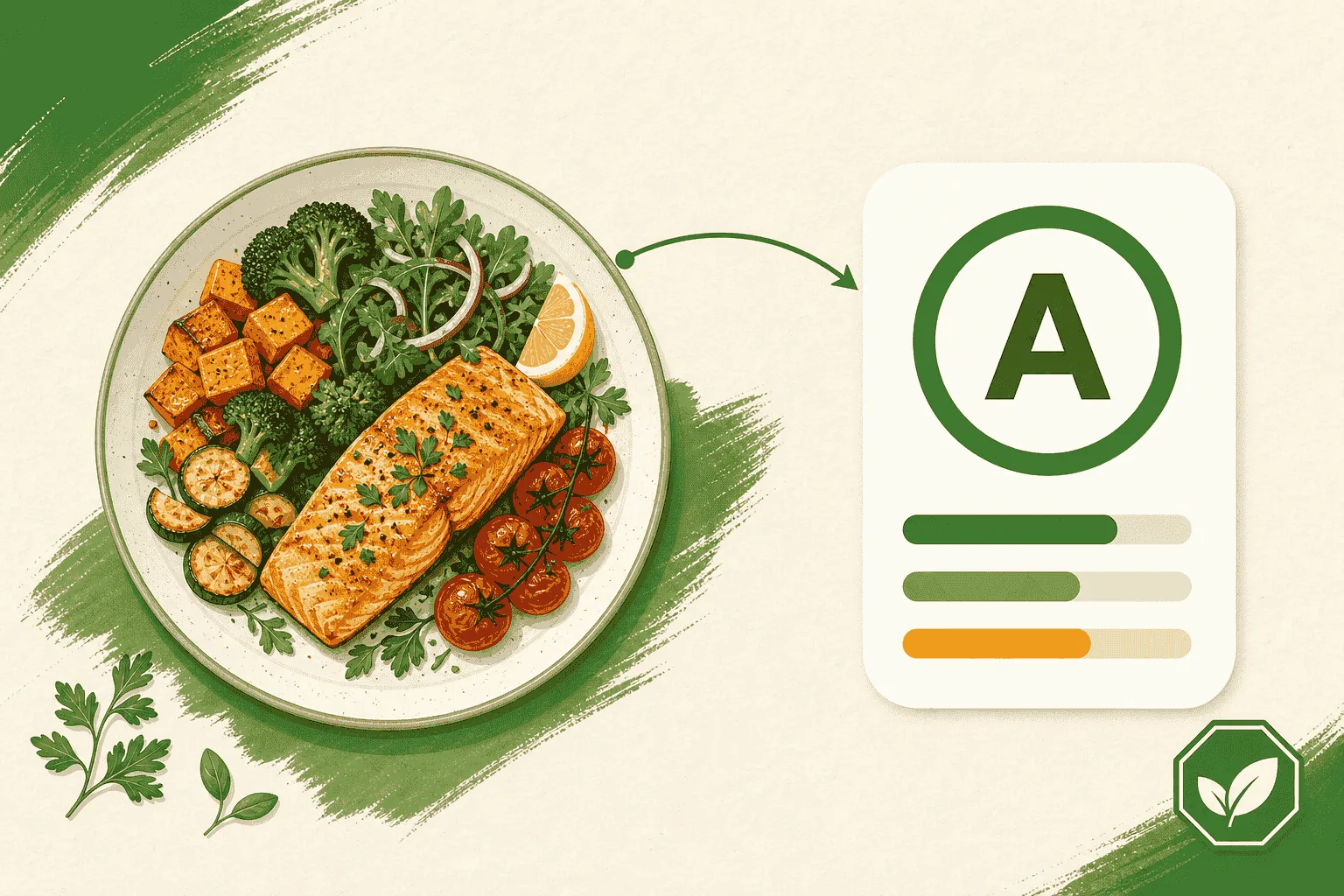
Build a meal from its ingredients and it earns a Meal Intelligence Score — a familiar A–F grade, with the same rigor behind the Food Intelligence Score you already trust on packaged products.
No barcode. No packaging. Just the ingredients.
How it works
- Name the dish. "Sunday turkey chili" beats "dinner."
- Add the ingredients. Start typing and pick from suggestions. Add amounts, brands, and tick Organic or Non-GMO where they apply.
- Pick your mode. Quick estimates typical portions when you don't have exact amounts. Full uses the quantities you supply.
- Generate the score.
You'll get the grade, four tiles explaining what drove it, and a plain-language overview with the dish's key benefits and any watch-outs.
Honest about what it knows
If a score leaned on estimated portions, it's marked provisional — plainly, right on the report. And the report tells you how much of your dish we were able to confirm against real food data.
We'd rather show you the limits of an answer than dress up a guess. The truth is in the ingredients, including the truth about what we can verify.
And it comes with you when you eat out
This is the part we're most excited about.
Restaurants have always been the blind spot. No barcode, no label, no ingredient panel — just a menu written to sell you something. For anyone trying to eat well, dining out has meant flying blind.
Because a meal is built from ingredients you type rather than a label you scan, the plate in front of you at a restaurant works exactly like the one on your stove. Read the menu description, add what it names, stay in Quick mode, and you'll have a grade before your food gets cold.
Better still, build the two dishes you're deciding between and compare them before you order. That's a decision you make several times a month, and now you can make it with something more than a guess.
A restaurant score is an honest estimate from what you told it, not a lab analysis of that specific plate — kitchens improvise and portions vary, which is why these usually carry a provisional badge. It won't tell you the exact sodium in tonight's dinner. It will tell you which two things on the menu are in completely different leagues.
GMOScan is now something you bring to the table, and the report is easy to pass around: send the link to whoever you're eating with, or post the dish to Quorum so the next member deciding what to order benefits from what you learned.
Cook, tweak, compare
The most useful thing about a scored recipe is what happens next. Edit a saved meal, swap one ingredient, regenerate, and watch the grade move. It's the fastest way to learn which change actually mattered.
Your meals stay in a private library, separate from your scan history, until you decide otherwise.
Share it
Send anyone a link and they'll see the exact report you saw — no account needed. If they're signed in, they can save a copy and make it their own.
Premium members can also post a meal to Quorum, our community feed, where other members rate it out of ten and swap notes.
Free for members
Creating and scoring meals is free for anyone signed in to GMOScan.
Ready to try it? Start with Score a meal or recipe, read Understand the Meal Intelligence Score, and take it out with you using Score a restaurant meal.