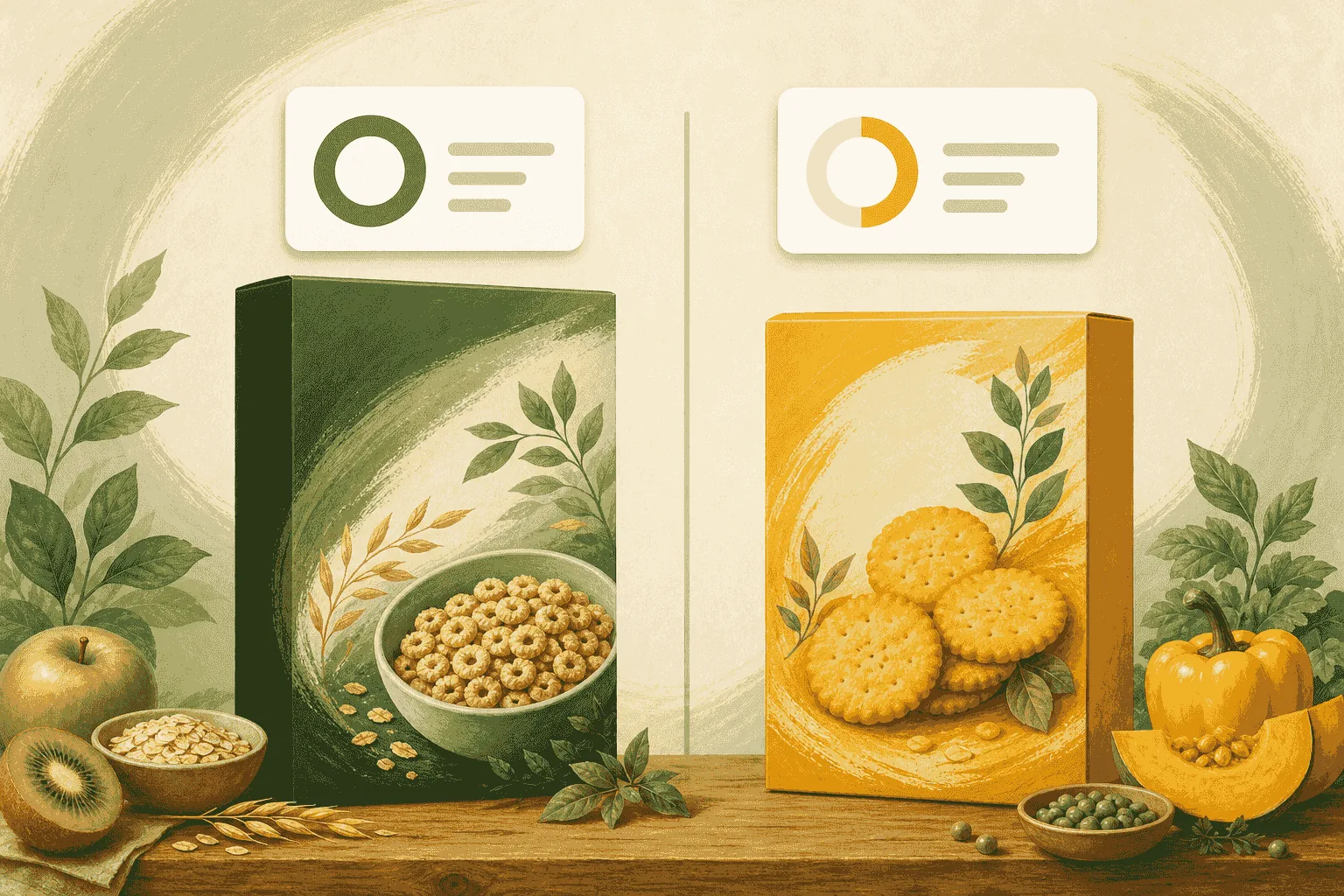
Placeholder guide — swap in your final steps and screenshots.
The 30-second aisle comparison
- Scan the first product and note its Food Intelligence Score and letter grade.
- Scan the second product.
- Compare the scores, GMO/organic signals, and any allergen flags.
- Choose the option that best matches your goals.
What to look for
- Letter grade (A–F) for an at-a-glance comparison.
- Signs a food is heavily processed when ingredient lists get long.
- Organic and non-GMO signals drawn from the label text.
Pro tip
Save both scans and revisit them at home to plan your next shop.