Placeholder guide — update with device-specific screenshots.
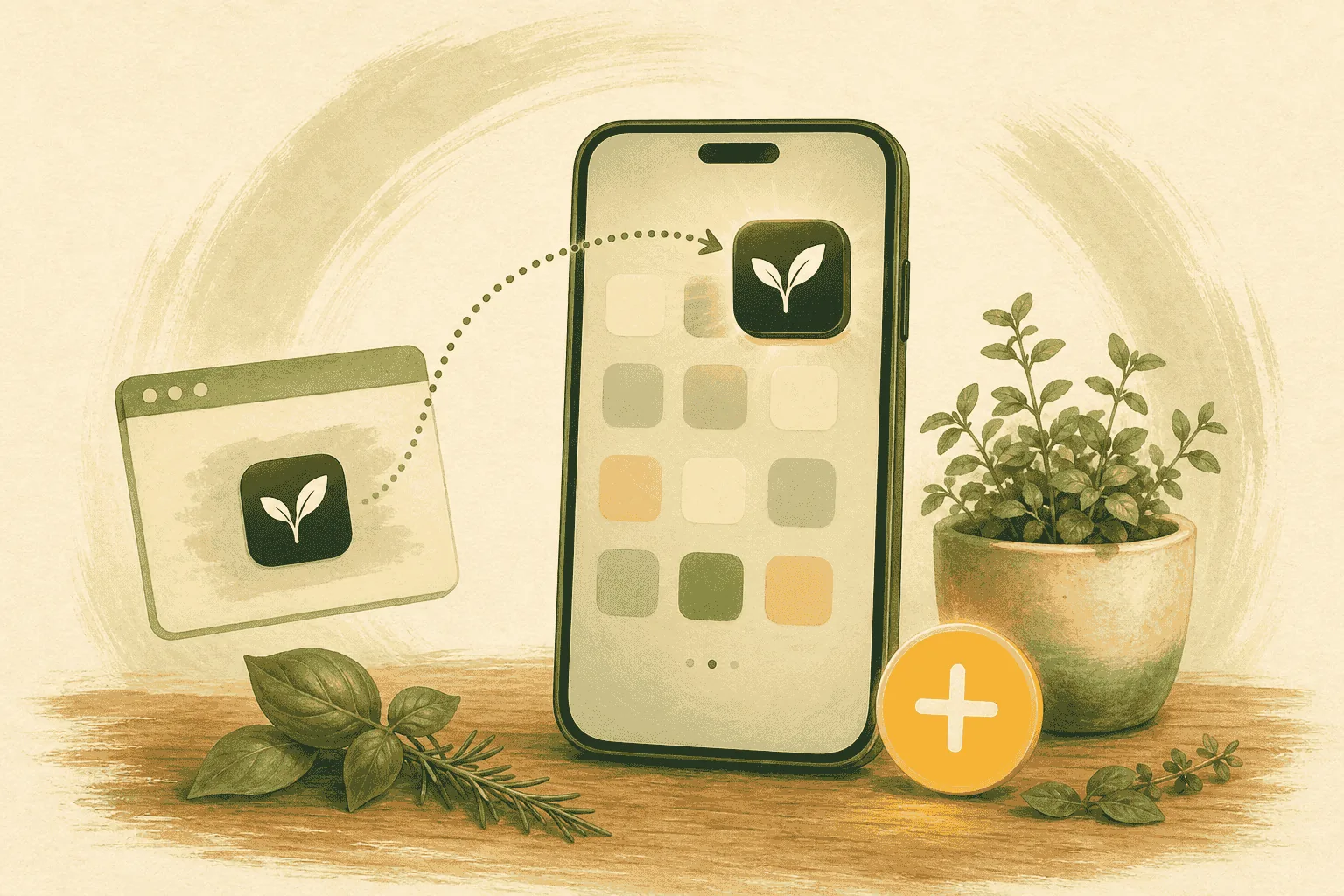
GMOScan apps are Progressive Web Apps (PWAs), so you can install them straight from your browser.
On iPhone / iPad (Safari)
- Open the app in Safari.
- Tap the Share button.
- Choose Add to Home Screen.
- Tap Add.
On Android (Chrome)
- Open the app in Chrome.
- Tap the ⋮ menu.
- Choose Install app (or Add to Home screen).
- Confirm.
Why install?
- One-tap access at the store.
- Works great on phones and tablets.
- Feels like a native app.