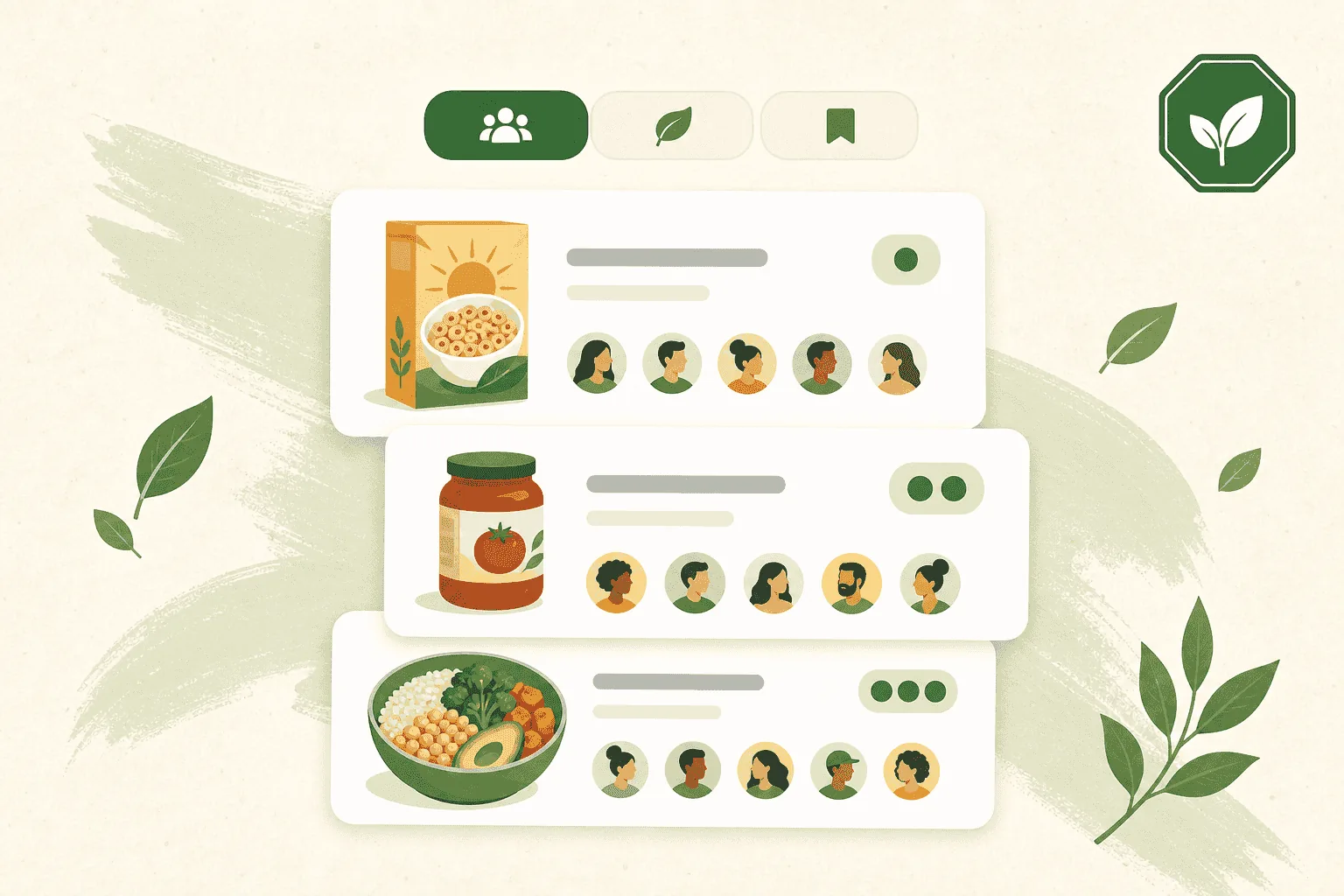
A score tells you what's in a product. Quorum tells you what other people think of it.
Quorum is the GMOScan community feed: members share products they've actually scanned — and meals they've actually cooked — and everyone else rates and discusses them.
What makes Quorum different
It isn't a social network. There's no feed to scroll for its own sake, and you can't post just anything.
- Every thread starts from a real scan or a real meal. Nothing is posted from thin air.
- One thread per product. If someone already shared that item, you join it as a co-poster instead of creating a duplicate.
- You're an avatar by default. Your name only appears if you turn that on in your preferences.
Getting in
Quorum is a Premium feature. An active Premium Preview works too.
- Sign in to GMOScan.
- Tap Quorum in the header.
- If you're not premium yet, you'll see the upgrade options — including starting a preview if one is available to you.
Find your way around
The feed is split into three tabs:
| Tab | What's in it |
|---|---|
| Food | Scanned food products |
| Beauty | Scanned beauty and personal-care products |
| Meals | Meals and recipes members have scored |
Then narrow it down:
- Search within the tab you're in.
- Sort by Hot, Newest, Top rated, or Most discussed.
- Filter by letter grade, or show only threads that already have comments.
Read a thread
Tap any card to open it. You'll see:
- The product or meal with its letter grade from when it was shared.
- The community rating — an average out of 10, plus how many people rated.
- The conversation underneath.
- View report to open the full report the member shared, or the meal's own page.
That combination is the useful part: the objective grade and the lived experience of people who bought it.
Quorum is part of GMOScan, the grown-ups' app. It is not in GMOScan Kids.