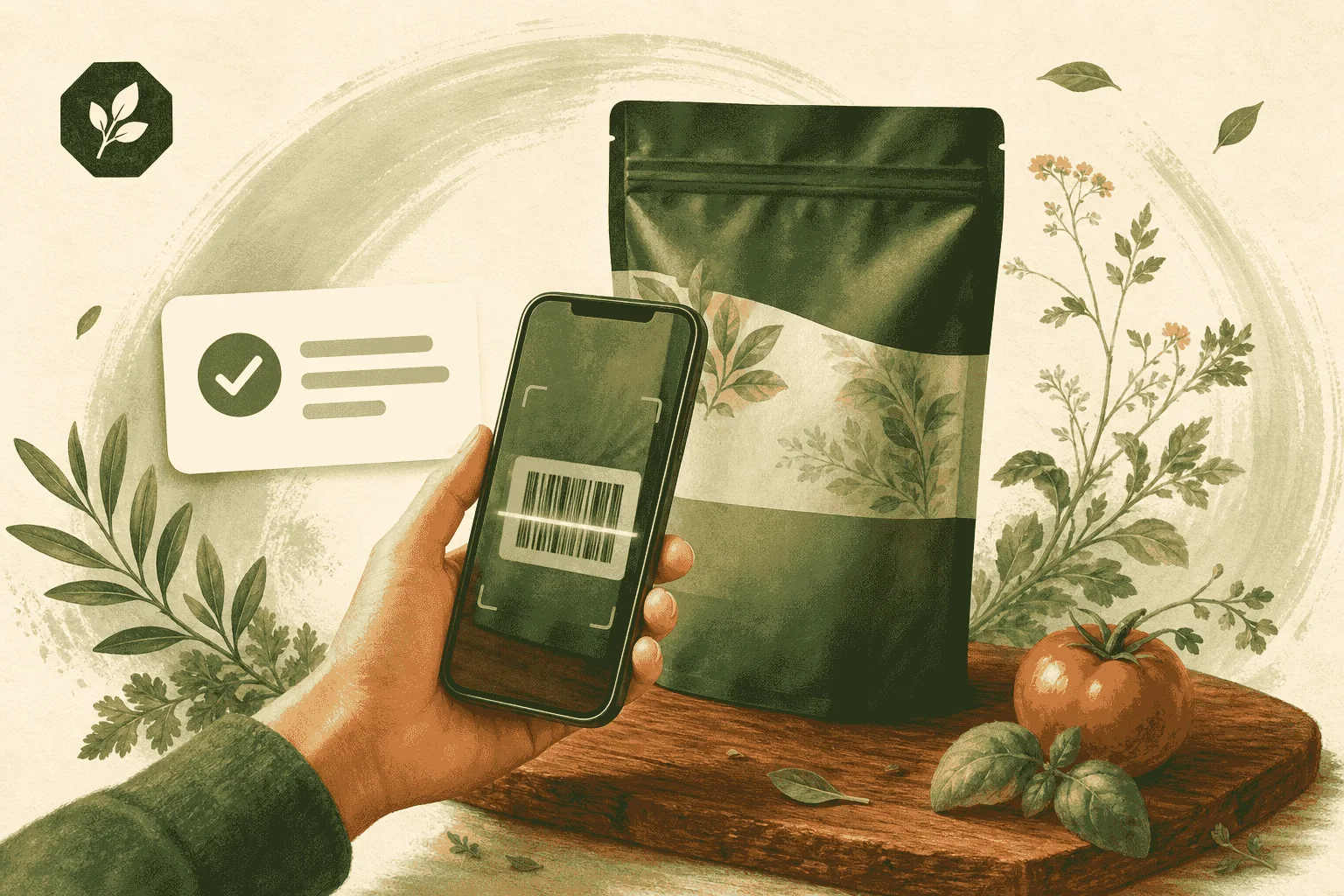
What you'll need
- The GMOScan app open on your phone (installed or in the browser)
- A packaged product with a barcode
Placeholder guide — replace the steps and screenshots with your final content. This text is here so the page looks complete and is easy to update.
Steps
- Open GMOScan and tap the Scan button.
- Allow camera access if prompted.
- Center the barcode in the frame and hold steady.
- Wait a moment while the app looks up the product and analyzes the ingredients.
- Read your Food Intelligence Score and expand sections for nutrition, allergens, and GMO/organic signals.
Tips
- No barcode? Use Search to type the ingredient list instead.
- Use the detail slider to switch between a quick grade and a deep dive.
- Your scans are saved on your device so you can compare products later.
Next steps
- Learn how to compare two products while shopping.