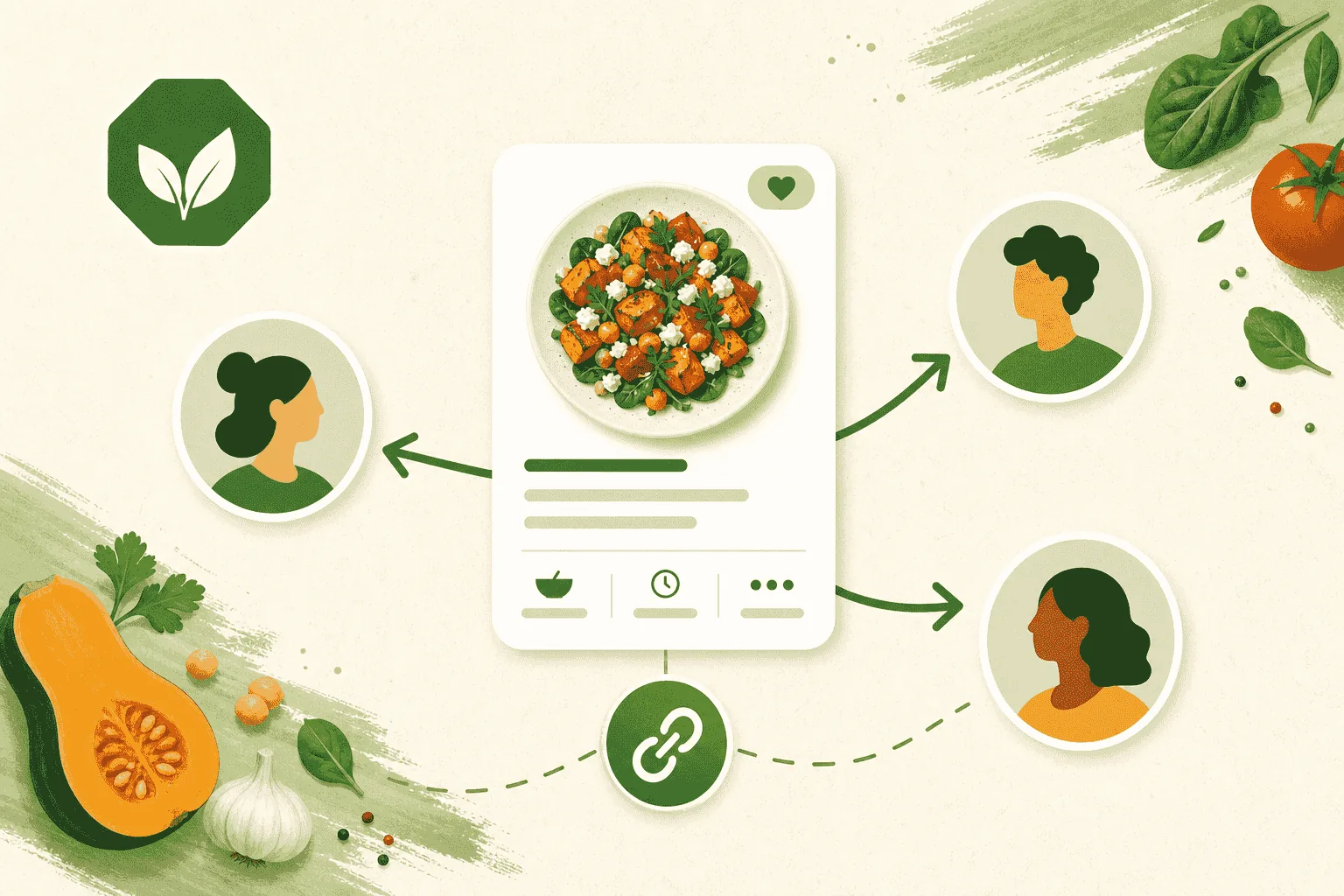
A good recipe is worth passing along. Once a dish has a Meal Intelligence Score, you can share it three different ways.
Share a link with anyone
- Open the meal and tap Share.
- Send the link however you like — text, email, or your phone's share sheet.
Whoever opens it sees the exact report you scored: the grade, the ingredients, the photos, and the write-up. They don't need an account and nothing is re-analyzed, so the page they see matches what you saw.
That makes it easy to pass a dish around the dinner table — or send a restaurant meal to family who weren't there.
Save a copy of someone else's meal
Got a link from a friend? If you're signed in, tap Save a copy and the meal lands in your own private library — yours to edit.
That's the easy way to adapt a recipe:
- Save their version.
- Swap in the ingredients you'd actually use.
- Regenerate the score and see whether your version grades better.
Post it to the community
Premium members can post a meal to Quorum, the GMOScan community feed, where other members rate it 1–10 and talk about it in the comments.
Meals live in their own Meals tab in Quorum, next to Food and Beauty, so recipes stay with recipes.
Posting to Quorum needs a Premium membership (or an active Premium Preview). Creating, scoring, and link-sharing meals stay free.
Learn more in Join the Quorum community.
Changed your mind?
- Edit the meal and regenerate at any time.
- Unshare from Quorum to remove your name from a thread.
- Delete the meal to remove it from your library.
Only share what you're comfortable making public. Photos and ingredient lists travel with the link.