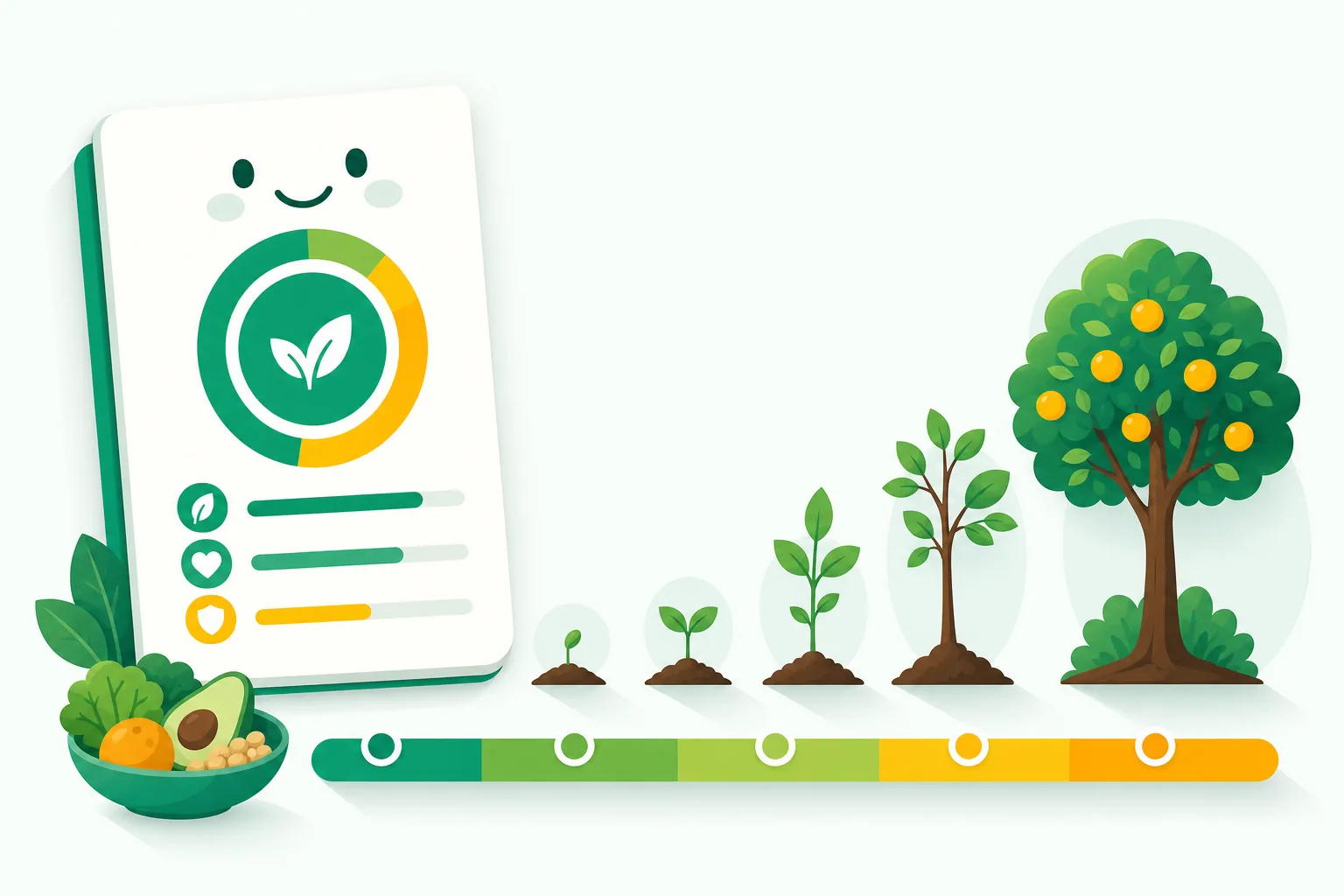
Premium membership is GMOScan's support-and-unlock ladder. You choose how much to contribute, and your membership grows from Seedling → Sprout → Sapling → Tree → Forest. A portion of every membership helps fund independent ingredient and sourcing research.
Membership tiers describe your plan — they are not a product's grade. A food's quality is always the Food Intelligence Score and its A–F letter grade.
The membership tiers
Everyone starts as a Free Member. Premium begins at Seedling and grows from there:
- Seedling — the entry-level premium tier.
- Sprout
- Sapling
- Tree
- Forest — the highest household tier, with the most family seats and the biggest research contribution.
- Ecosystem — an organizational tier for schools and organizations that work with kids: one admin plus 25 Kids seats.
What Premium unlocks
- Deeper reports — more detail on nutrition, ingredients, processing, and origin signals.
- More Kids seats — the number of GMOScan Kids profiles grows with your tier (1 seat on Seedling, up to 8 on Forest, and 25 on the organizational Ecosystem tier).
- Fund independent research — a portion of every membership supports new ingredient and sourcing studies.
How to upgrade
Membership is bought and managed on the web, at account.gmoscan.com.
- Go to account.gmoscan.com and sign in — or create a free account first if you don't have one yet.
- Choose See membership options to open the tier picker, where each tier's price is shown.
- Pick the tier you want and continue to secure checkout. Payment is handled by Stripe, and your card details never touch GMOScan.
- Once payment confirms, your new tier is active. Sign in to GMOScan or GMOScan Kids with the same email and everything is already unlocked.
Manage your membership
You manage your membership on the web at account.gmoscan.com, where your current plan and renewal date are shown. If a subscription lapses, your account simply returns to Free Member — your saved history stays with you.
Setting up profiles for the kids? See Earn badges by playing (Kids) for how the kids experience works.