Draft content — review and refine, then add screenshots.
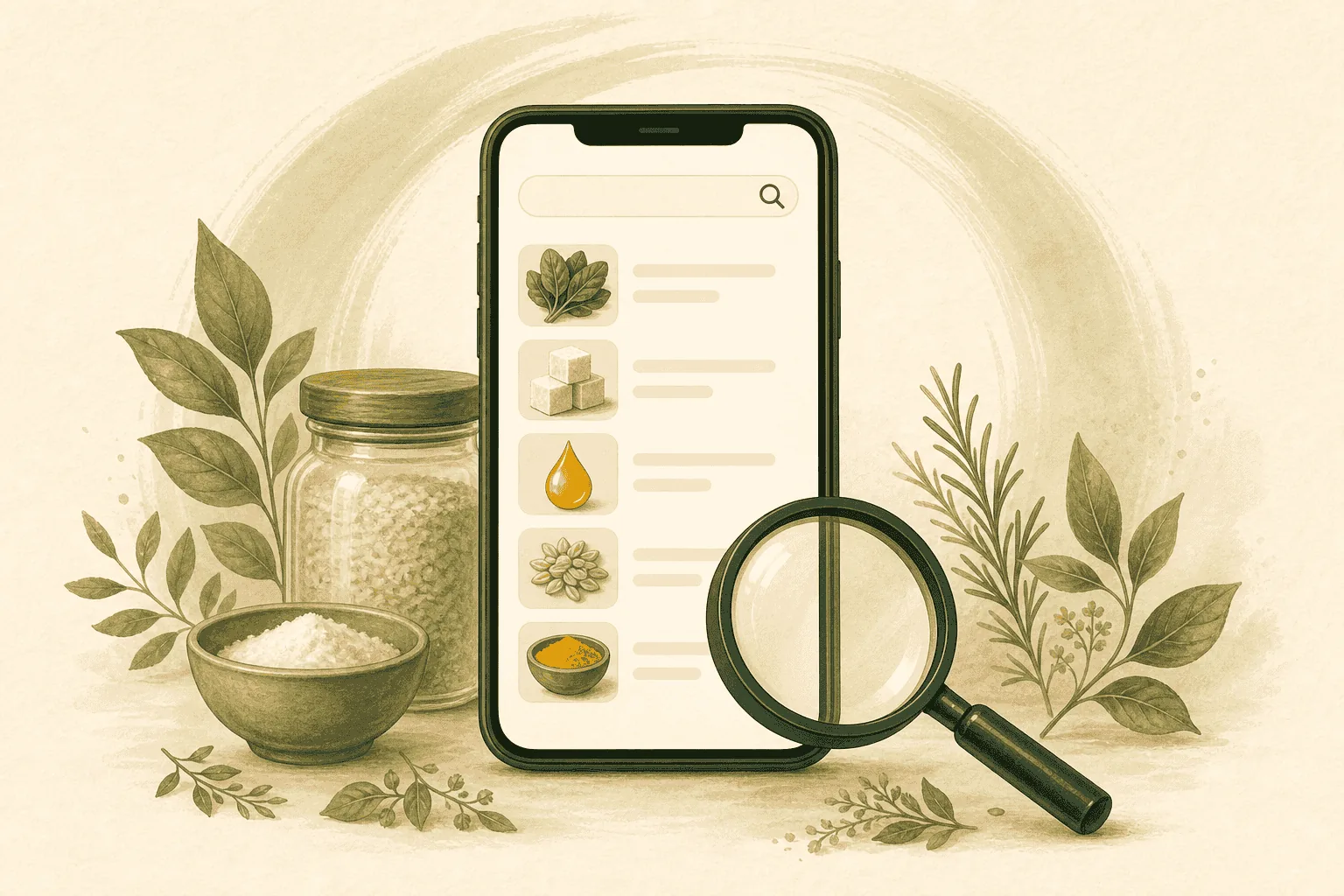
No barcode handy? You can still analyze a product by searching for it or typing the ingredient list.
Search by name
- Open the app and tap Search.
- Type the product or brand name.
- Pick the best match to see its report.
Type an ingredient list
- Choose the manual / type option.
- Paste or type the ingredients from the label.
- Get the same structured Food Intelligence report.
When to use each
- Barcode scan — fastest for packaged items in the store.
- Search — great for planning at home or when the barcode won't scan.
- Type ingredients — perfect for bulk items, recipes, or imported foods with unfamiliar packaging.