Draft content — review and refine, then add screenshots.
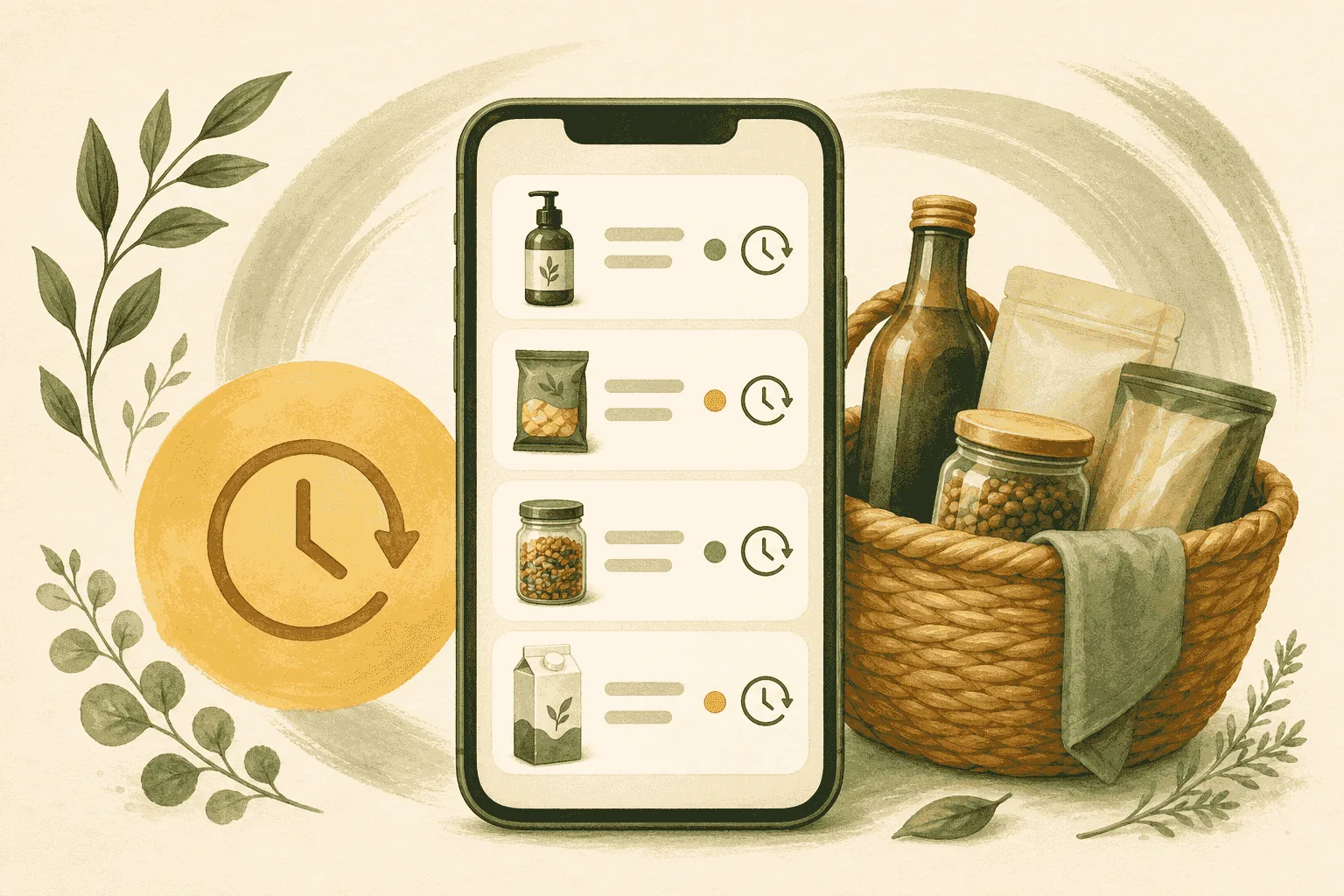
GMOScan keeps a history of what you've scanned on your device so you can compare products over time and build better shopping habits.
Steps
- Open the app and go to History.
- Tap any past scan to reopen its full report.
- Compare two products' scores, tiers, and flags.
- Use what you learn to choose upgrades on your next shop.
Why it helps
- Spot patterns across the products you buy most.
- Remember which option won last time.
- Turn one-off scans into lasting food-intelligence habits.
History is stored on your device for privacy and offline access.