How-to
Simple guides for both apps
Short, practical walkthroughs to help you and your family get started fast.
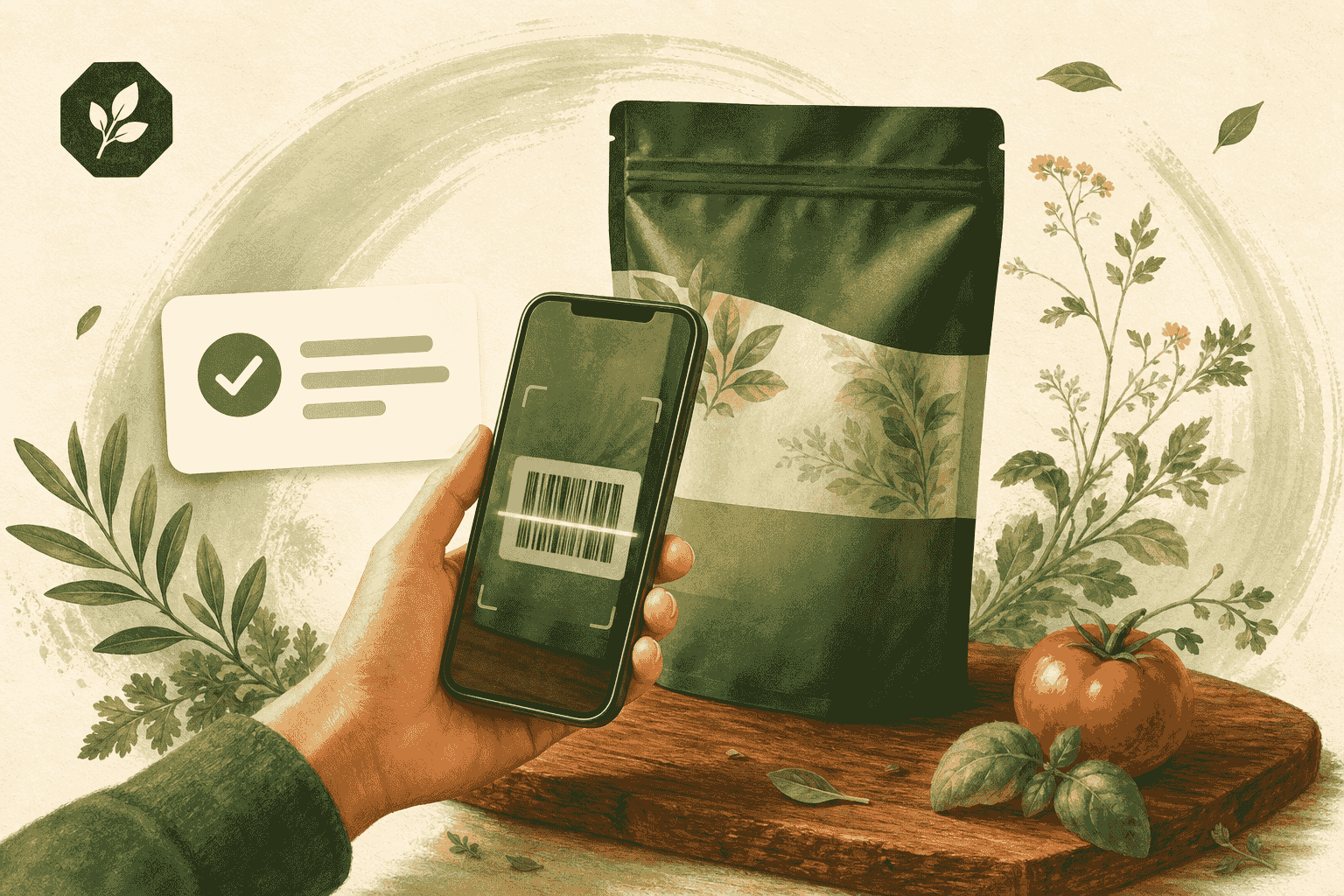
Scan your first product
Use GMOScan.ai to scan a barcode and read the Food Intelligence Score in under a minute.
Read guide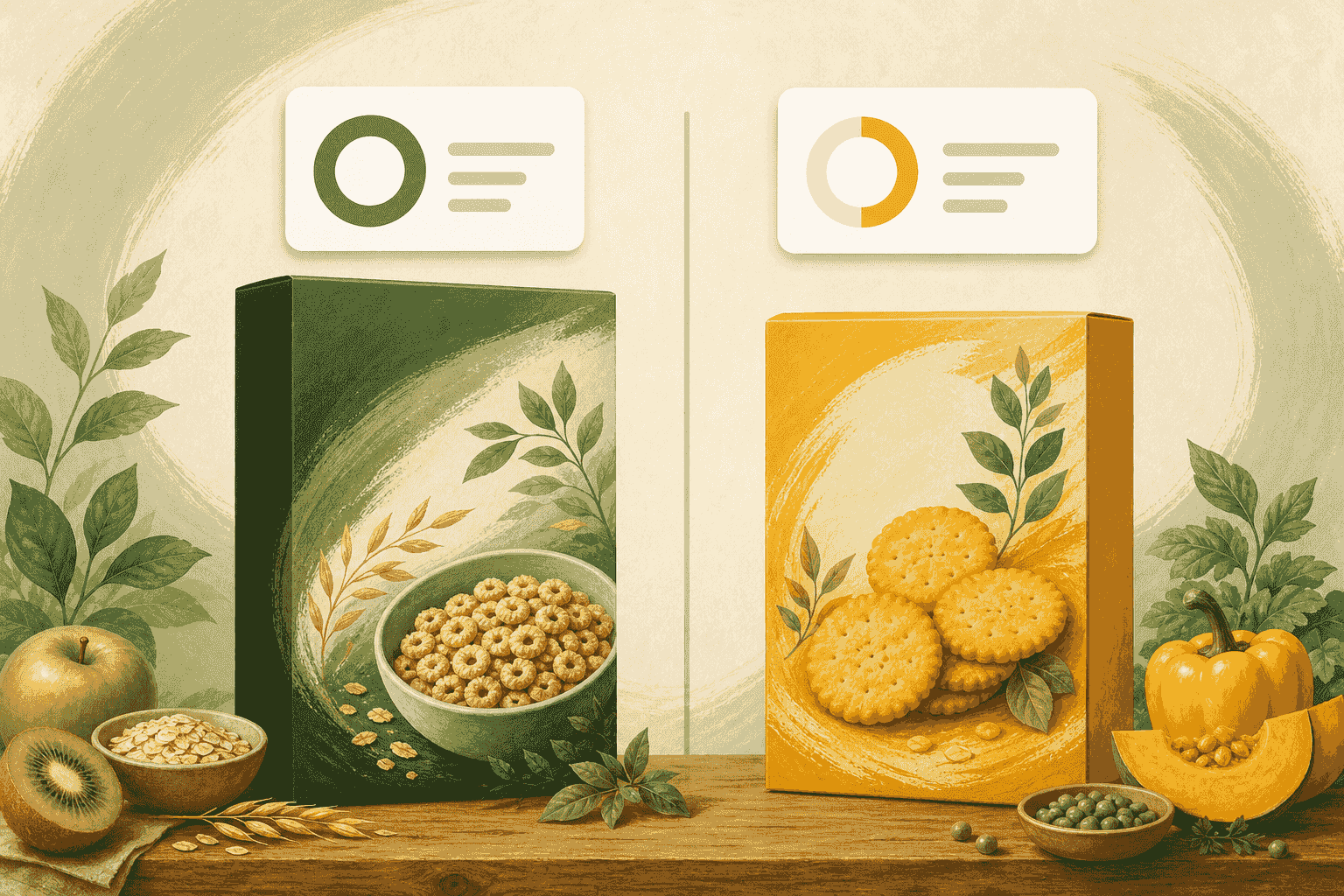
Compare two products while shopping
A quick in-aisle workflow to pick the better option using GMOScan.ai.
Read guide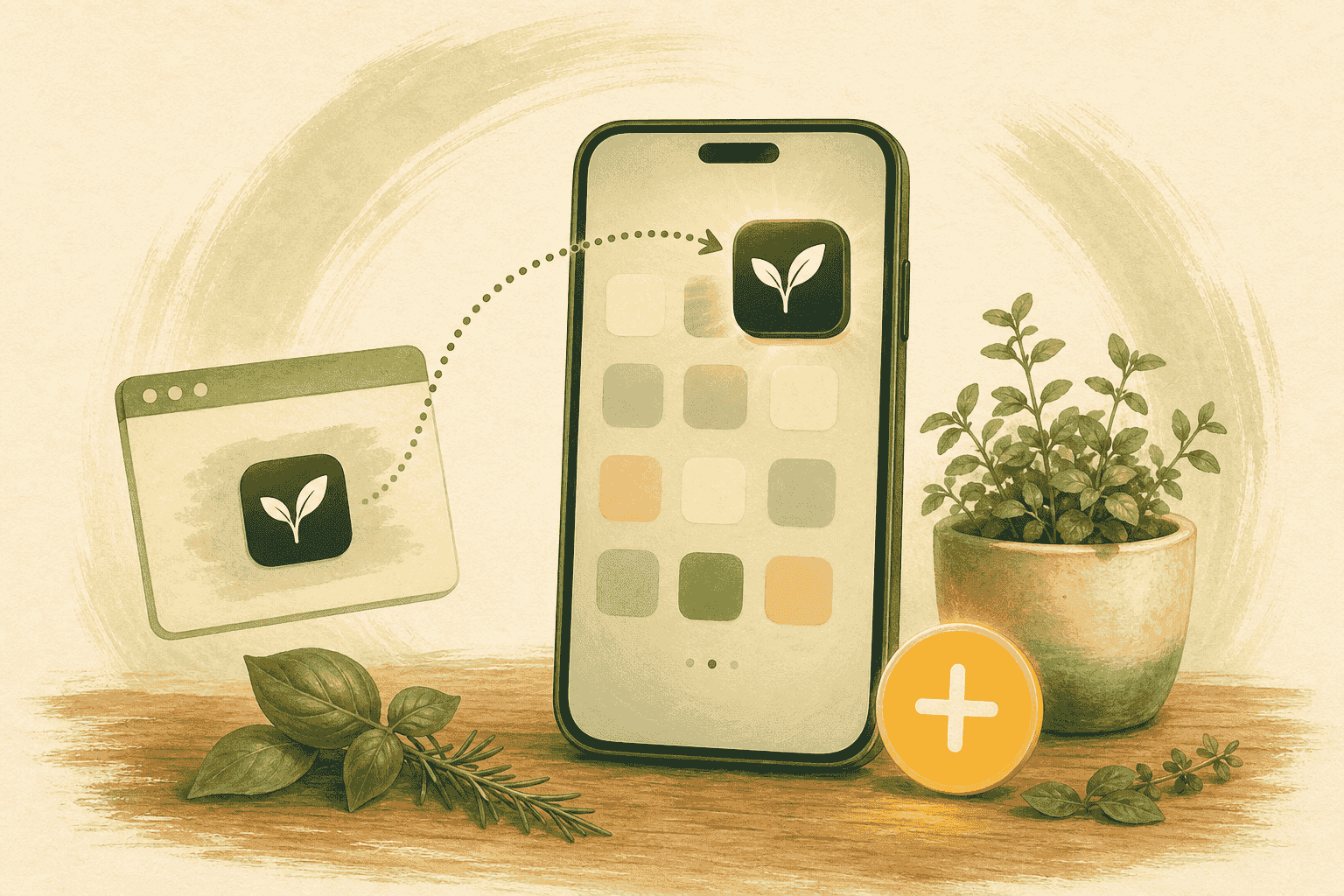
Install GMOScan on your phone
Add GMOScan.ai or GMOScan Kids to your home screen — no app store required.
Read guide
Play the guess-the-grade game
How kids learn food smarts by guessing a product's grade before the reveal.
Read guide
Turn off game mode for older kids
Switch GMOScan Kids from the game to real scanning as your child grows.
Read guide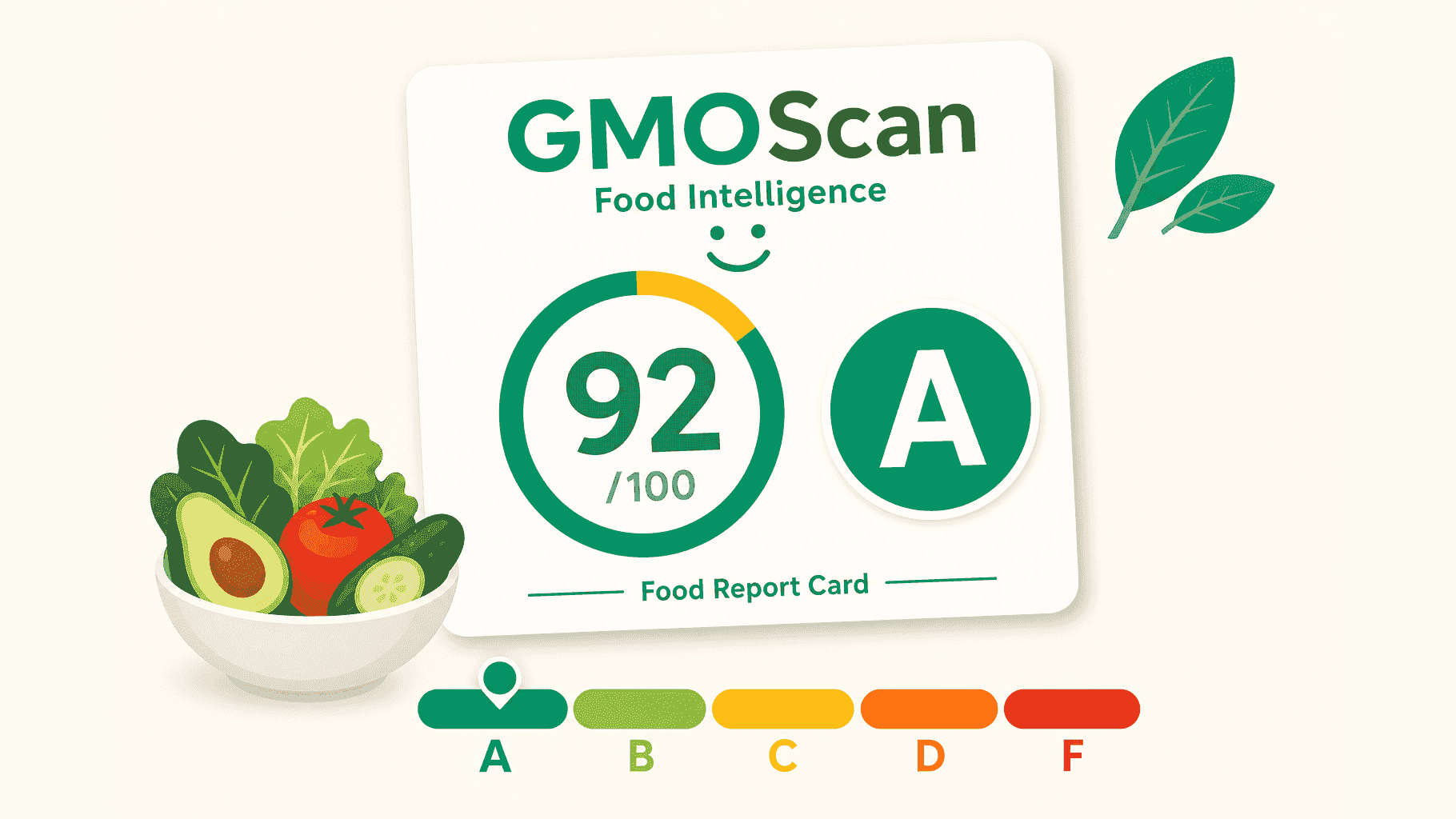
Understand the Food Intelligence Score
How to read a product's 0–100 Food Intelligence Score and its A–F letter grade at a glance.
Read guide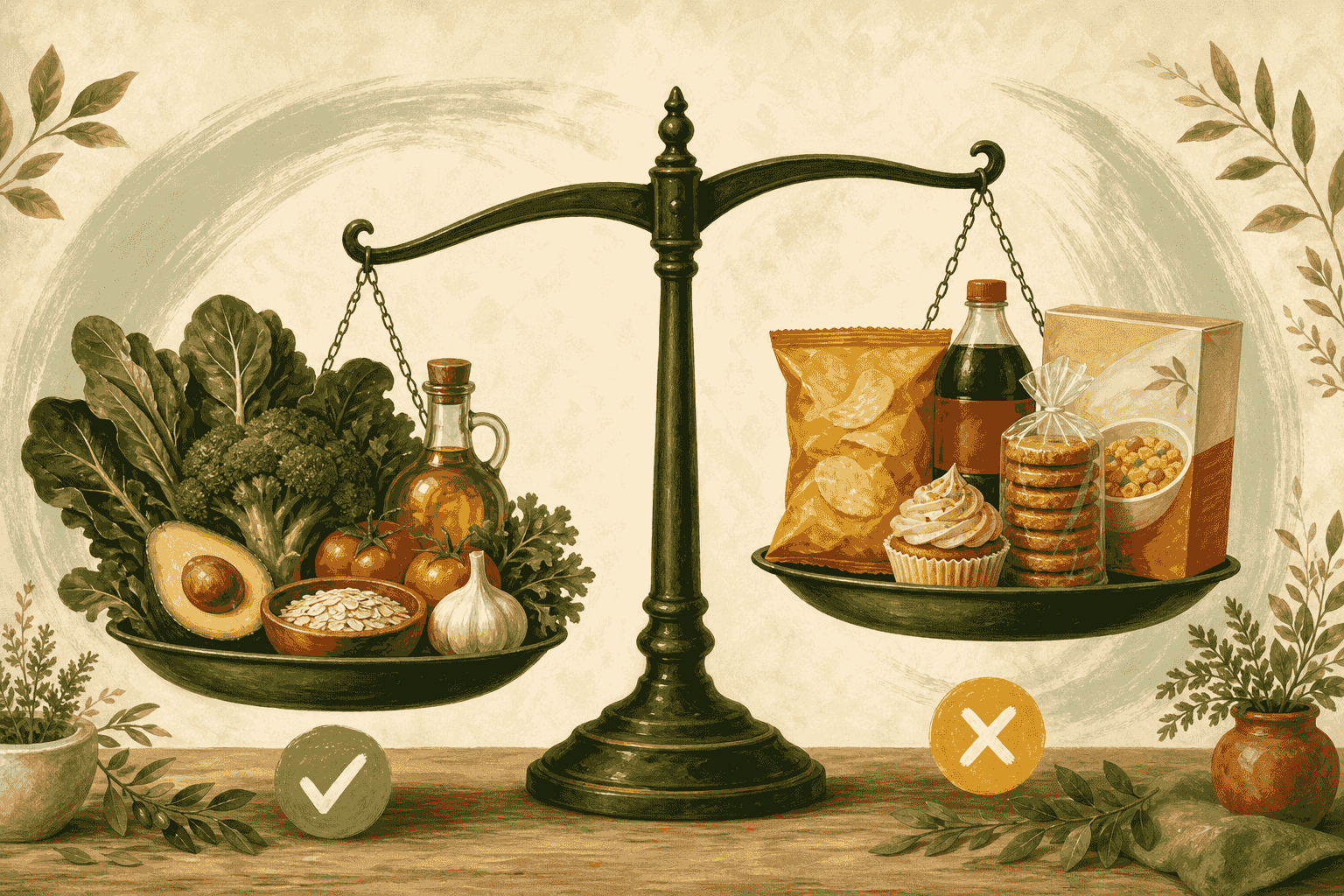
Spot heavily processed foods
A simple way to tell how processed a food is — and why it matters.
Read guide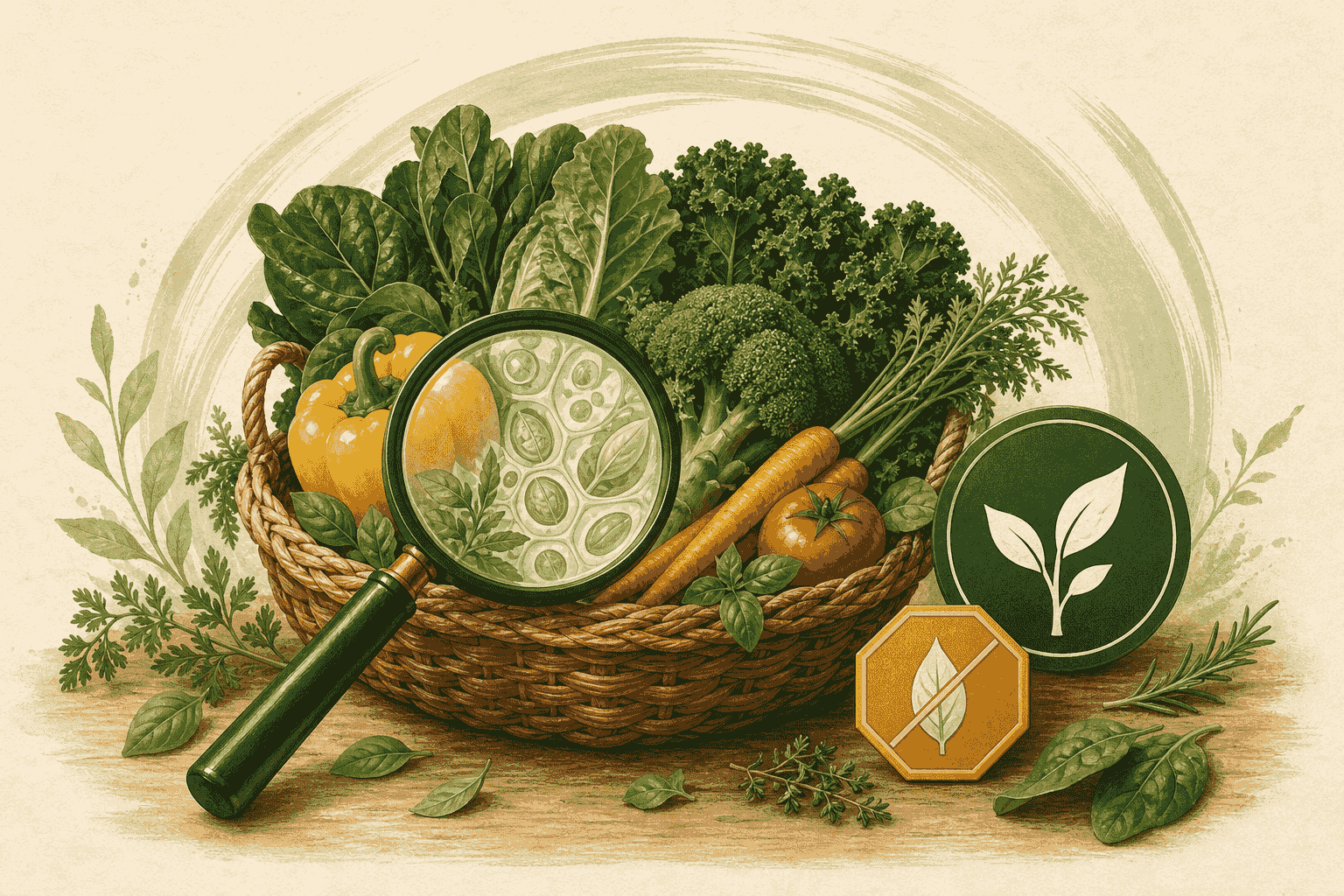
Spot GMO risk and organic signals
See how GMOScan reads the label for likely GMO ingredients and organic cues.
Read guide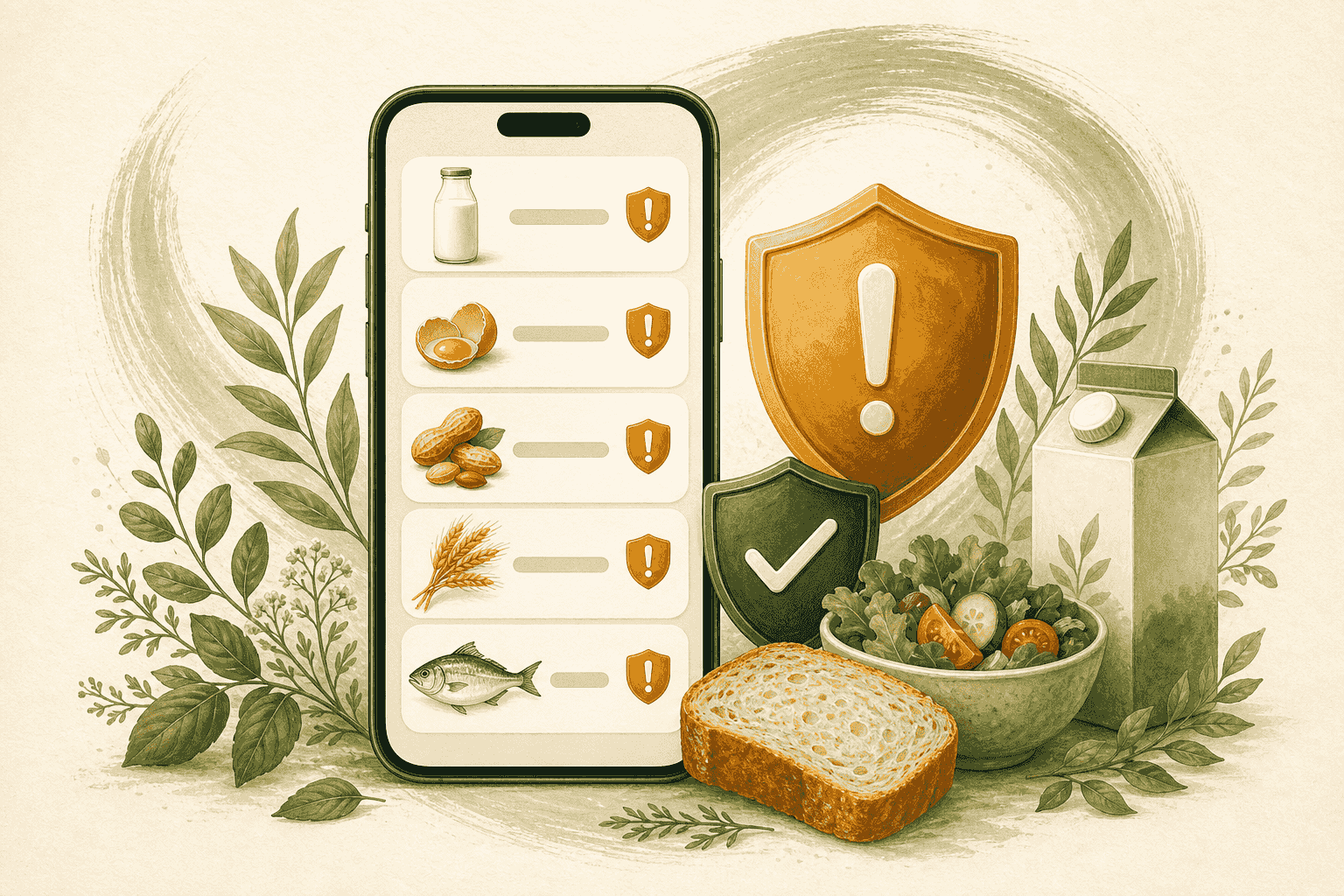
Check allergens and dietary flags
Use GMOScan.ai to review allergen and dietary information — with important safety limits.
Read guide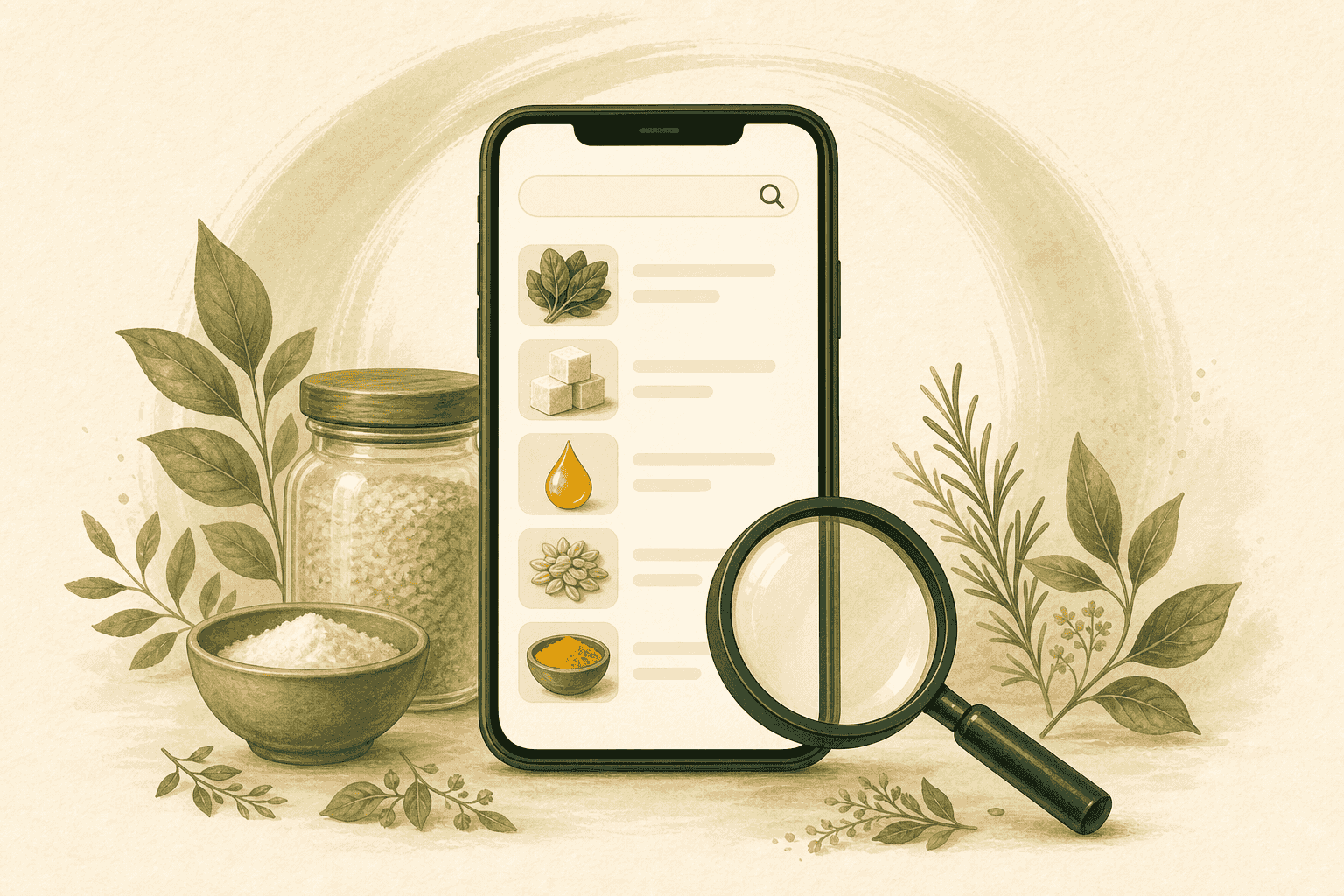
Search and browse products
Find products without a barcode by searching names or typing ingredients.
Read guide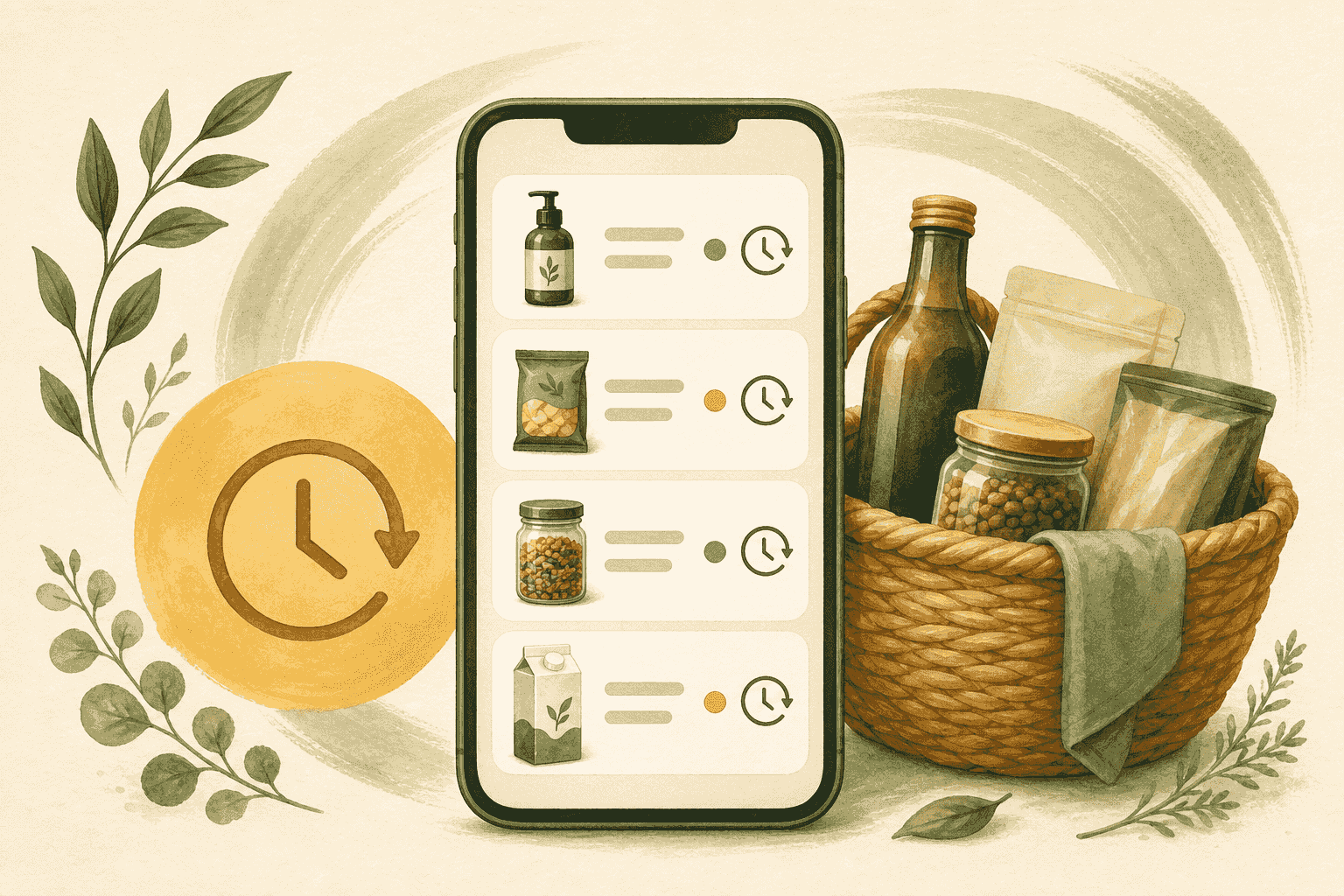
Use history to compare products
Revisit past scans on your device to compare products and track your choices.
Read guide
Earn badges by playing (Kids)
How kids earn badges by playing the guess-the-grade game and getting better at reading A–F grades.
Read guide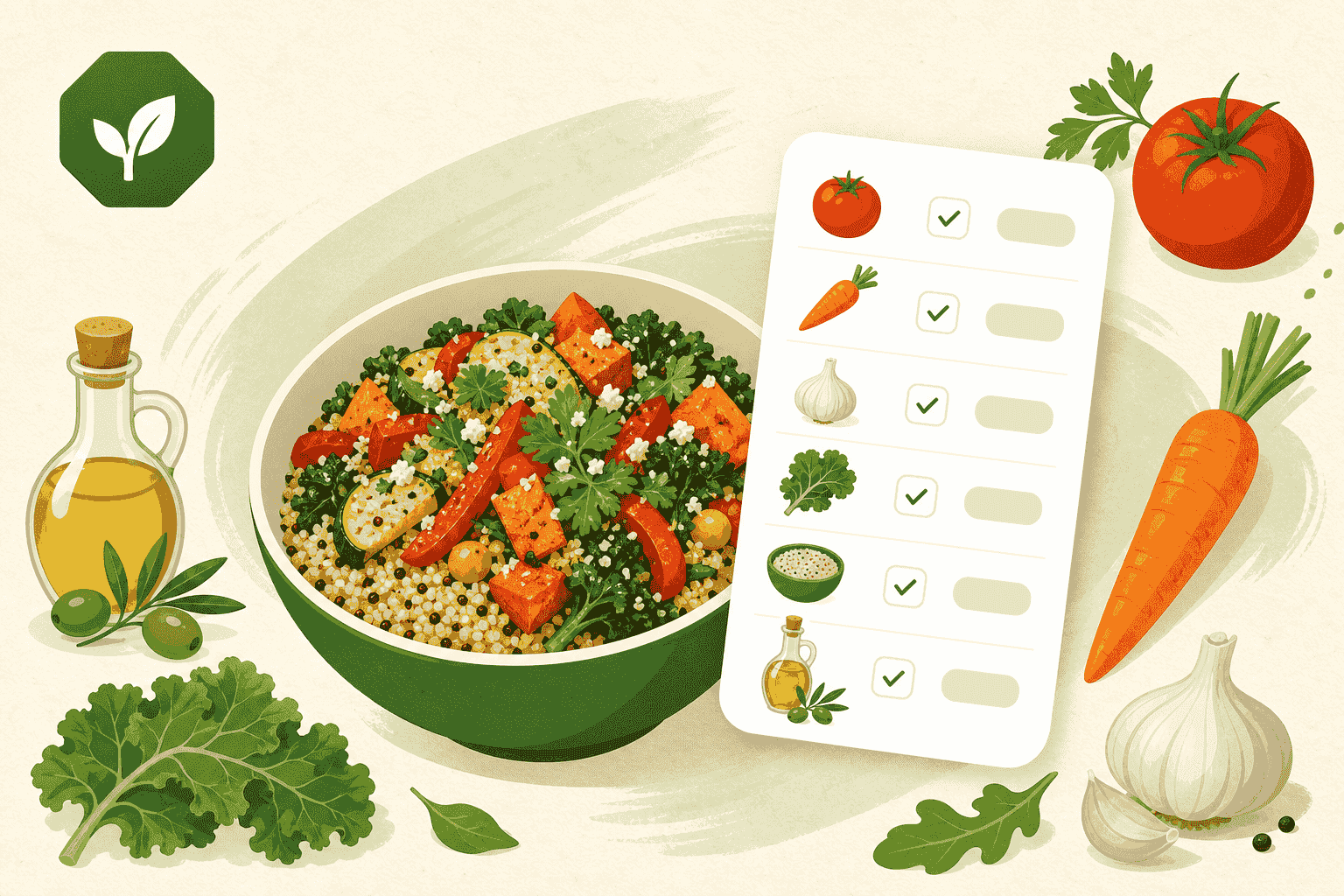
Score a meal or recipe
Type the ingredients of any home-cooked or restaurant dish and get a Meal Intelligence Score — no barcode needed.
Read guide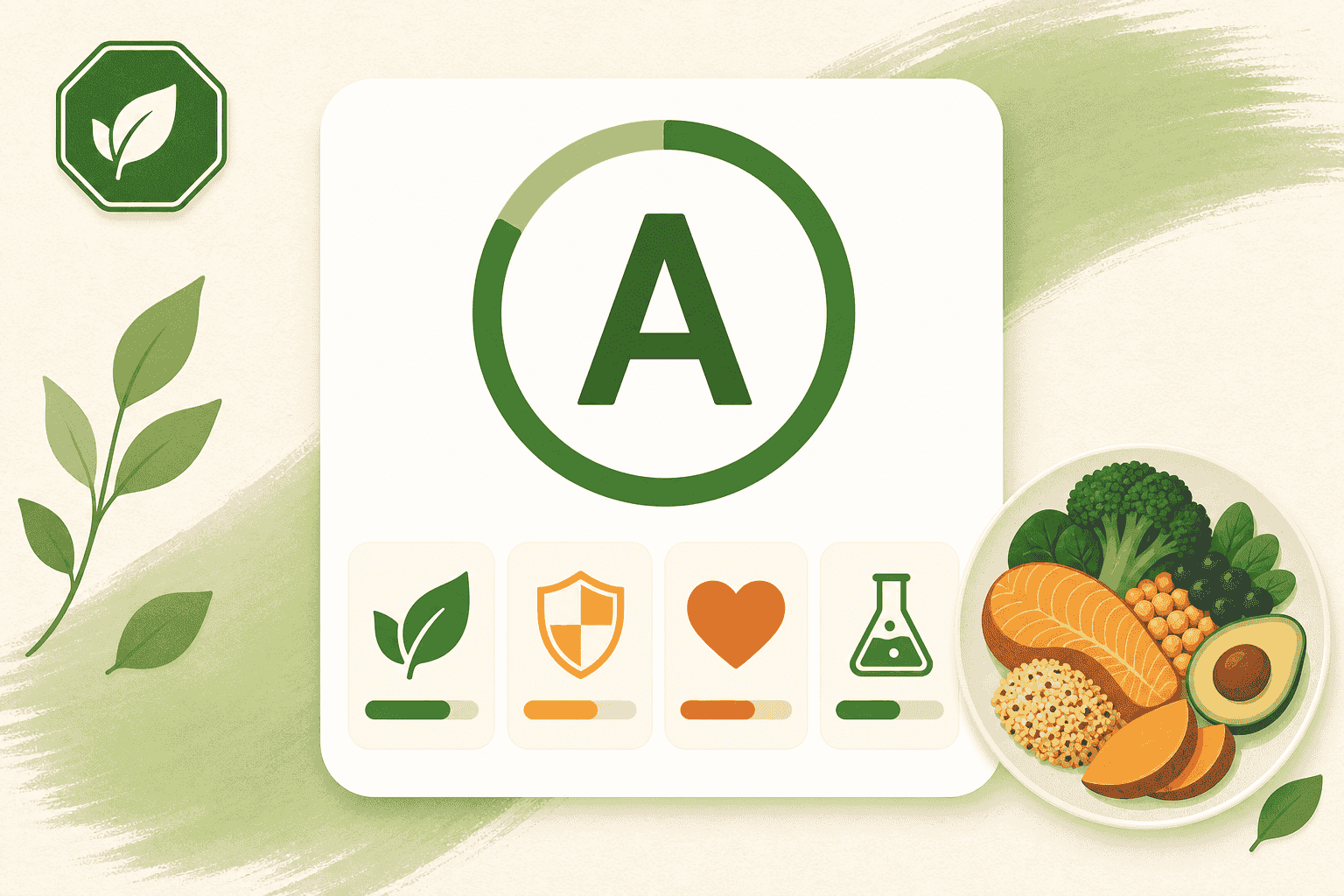
Understand the Meal Intelligence Score
How your home-cooked and restaurant dishes earn a 0–100 score and an A–F grade — and what "provisional" means.
Read guide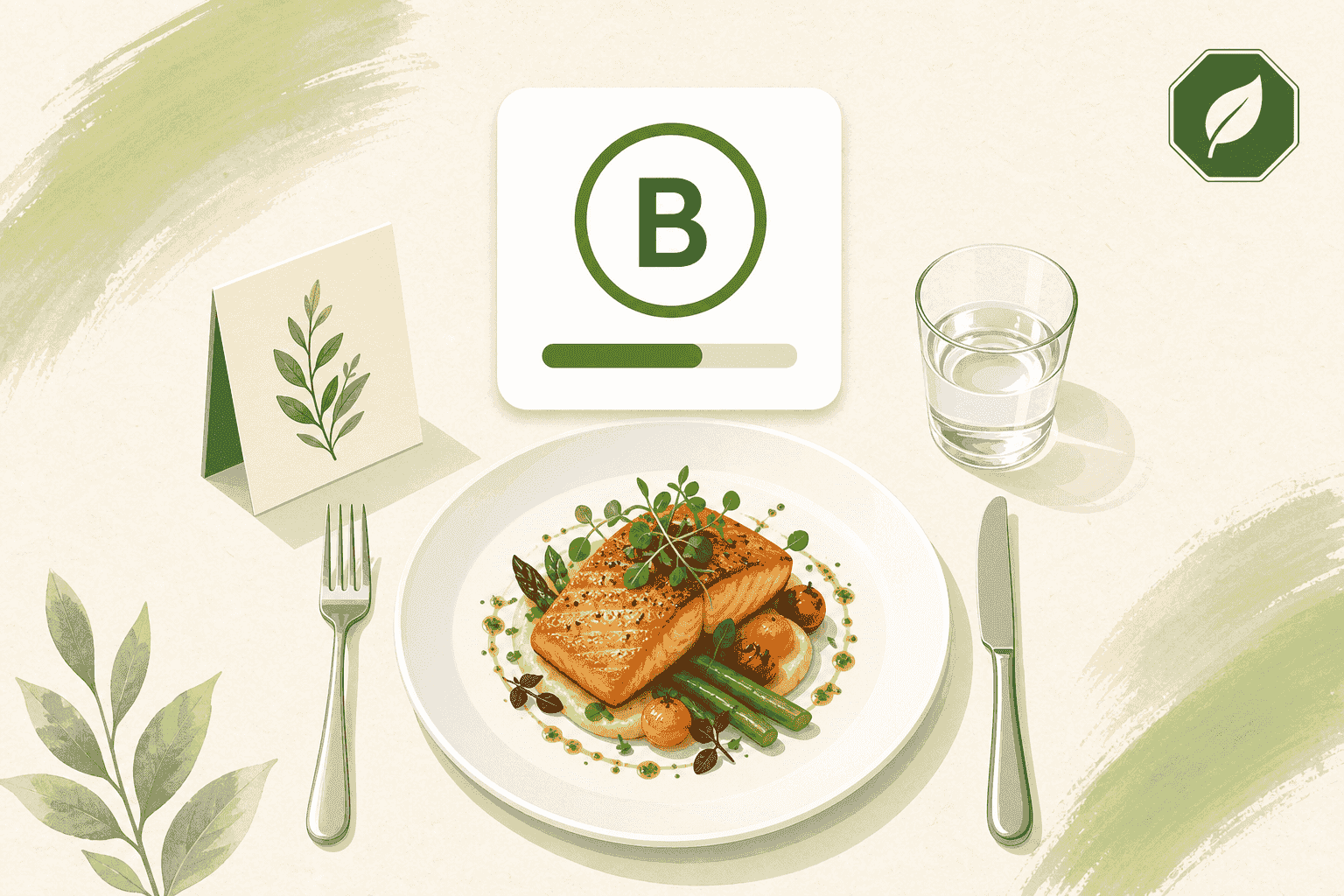
Score a restaurant meal
Take GMOScan to the table. Build the dish in front of you from the menu description and see how it scores before you order again.
Read guide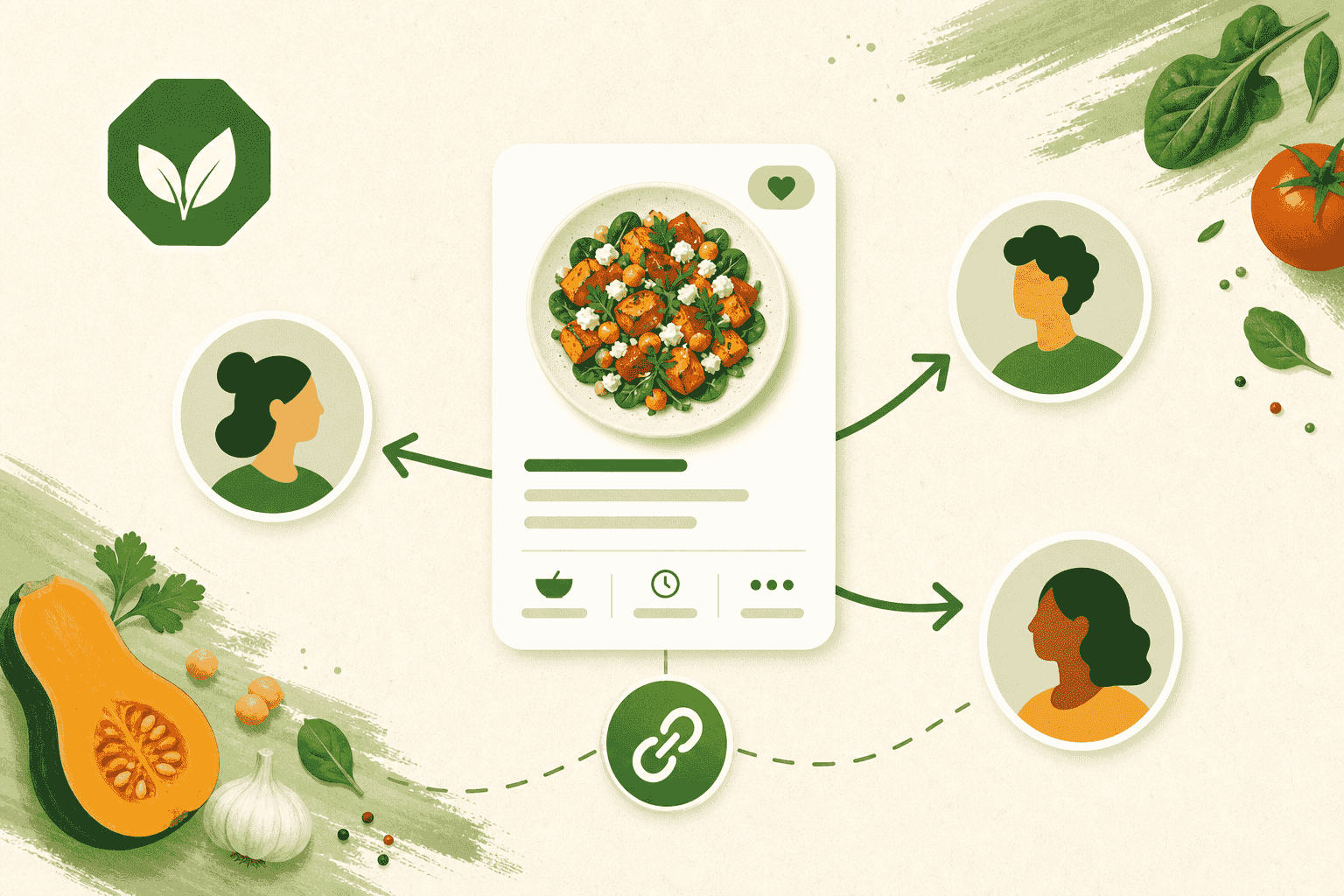
Share a meal or recipe
Send a friend a link to any meal you scored, save a copy of someone else's, or post it to the community.
Read guide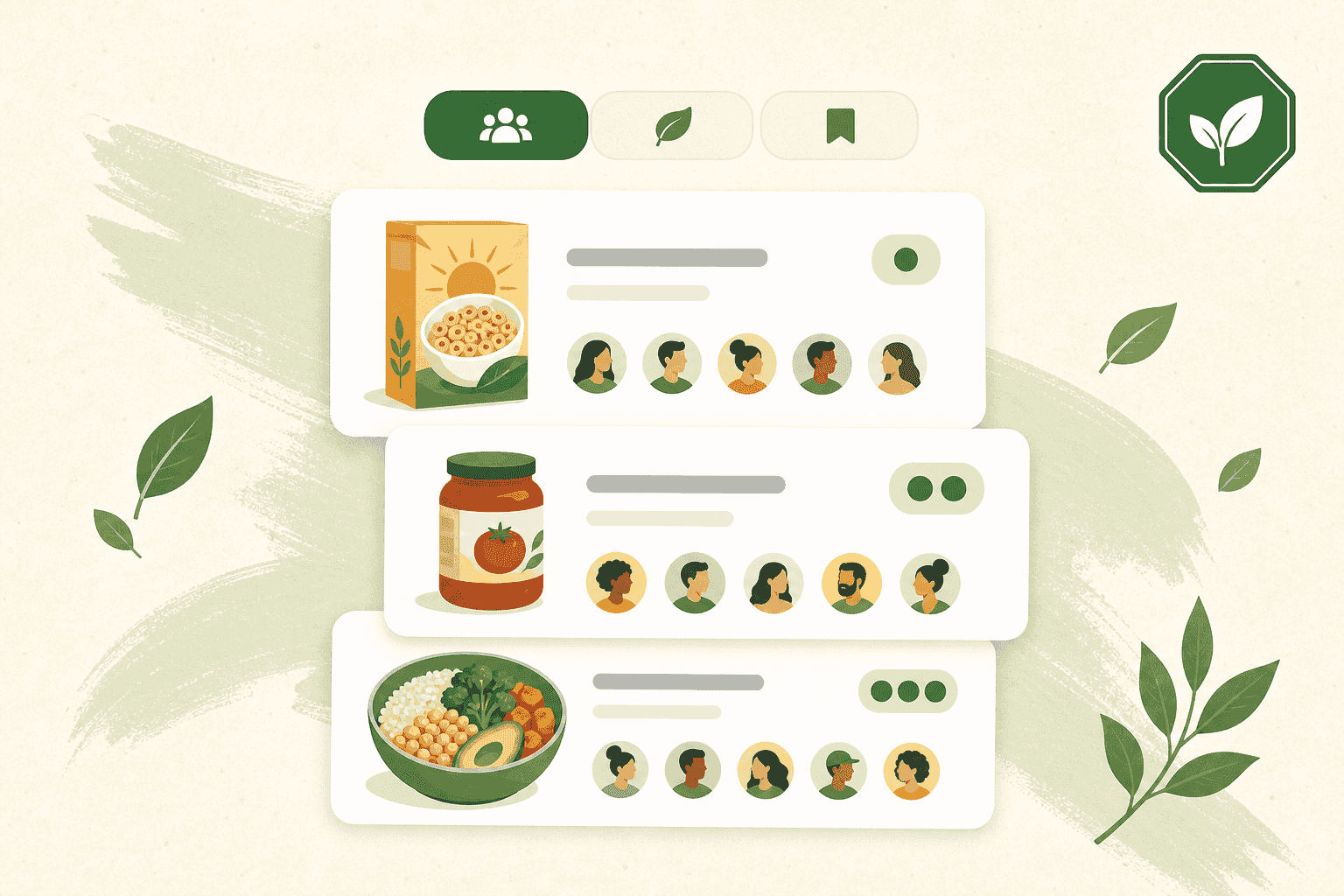
Join the Quorum community
What Quorum is, how to get in, and how to find real ratings and notes from other members on the products you buy.
Read guide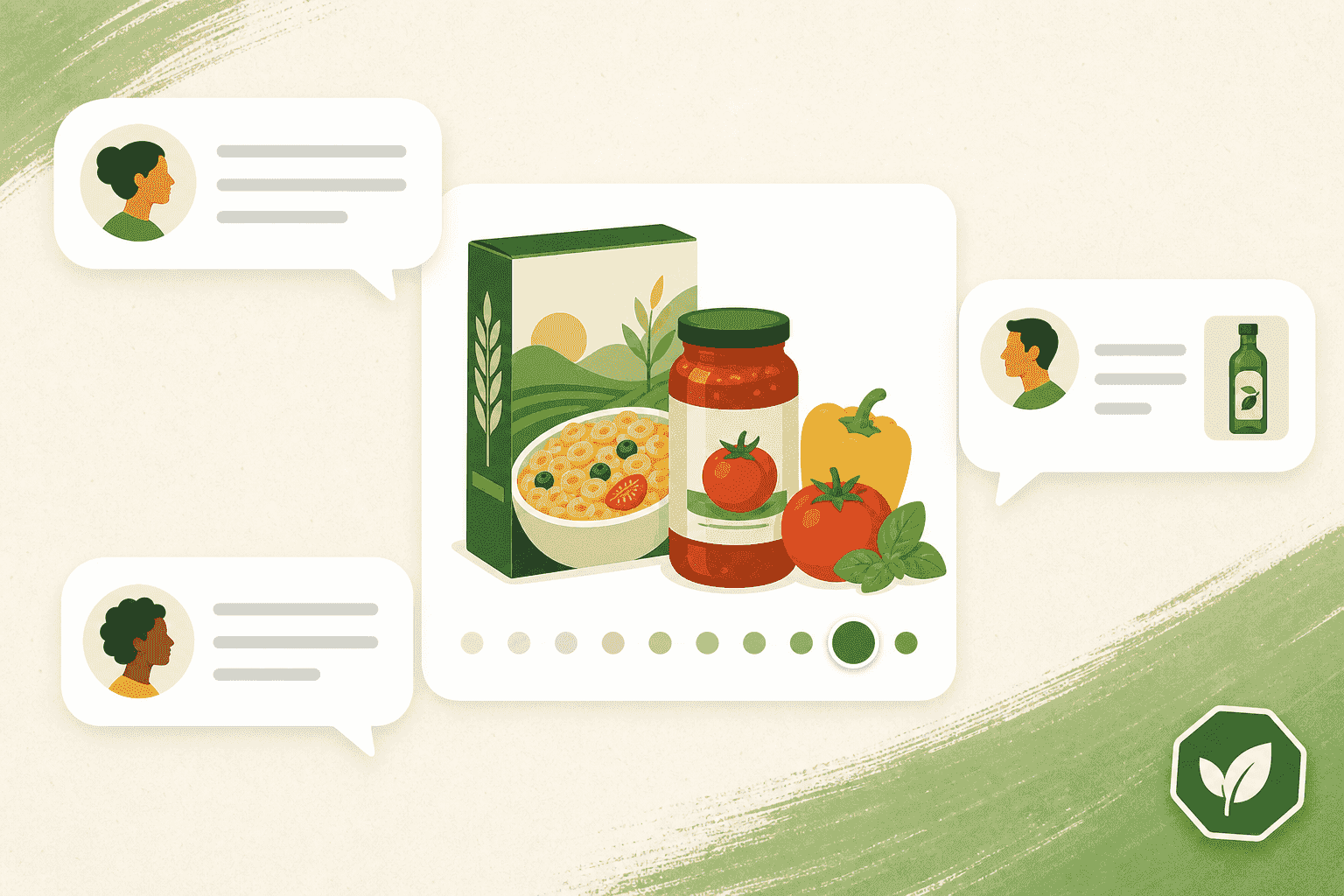
Share, rate, and discuss in Quorum
Post a product or meal to the community, rate threads 1–10, comment with a photo, and keep the feed respectful.
Read guide
Become a Free Member
Create a free GMOScan account to save your history, sync across devices, and start scanning.
Read guide
Upgrade to a Premium Member
Move from Seedling to Forest to unlock deeper reports and more family seats — and help fund independent research.
Read guide